Account Details
Overview and details on your RevCent account.
View your RevCent account details by clicking Account > Details in the sidebar, or go to https://revcent.com/user/account
Details
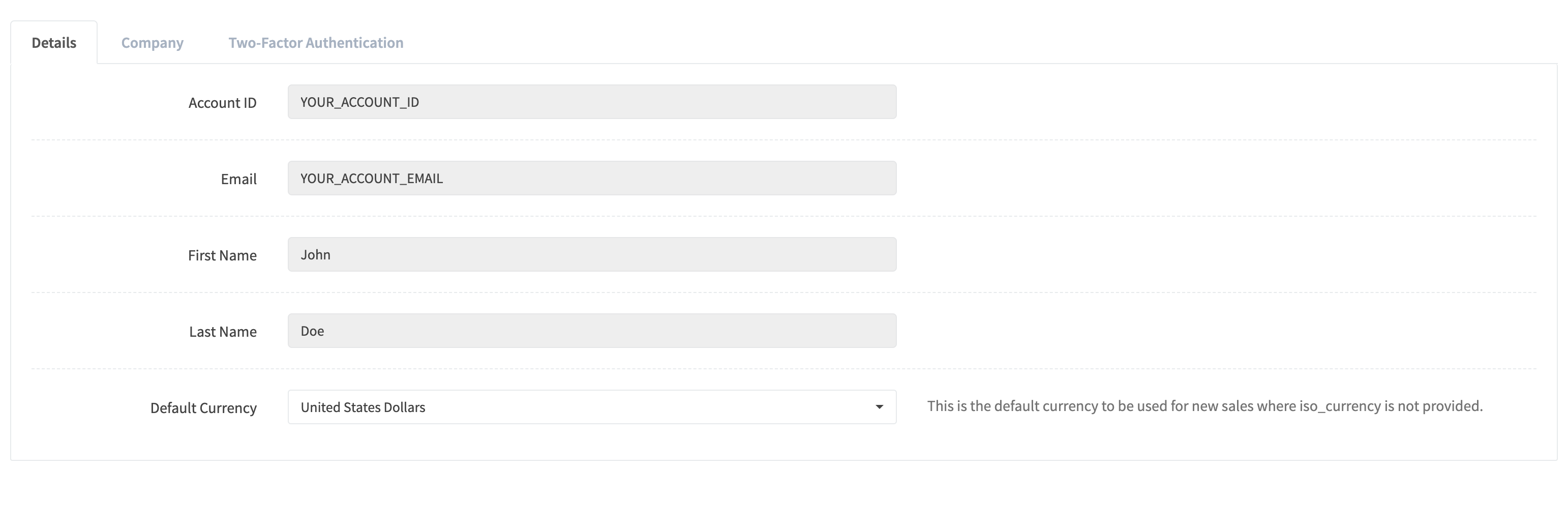
The Details tab shows your profile and account preferences. Use Save preferences after changing the default currency or global timezone.
Company Info
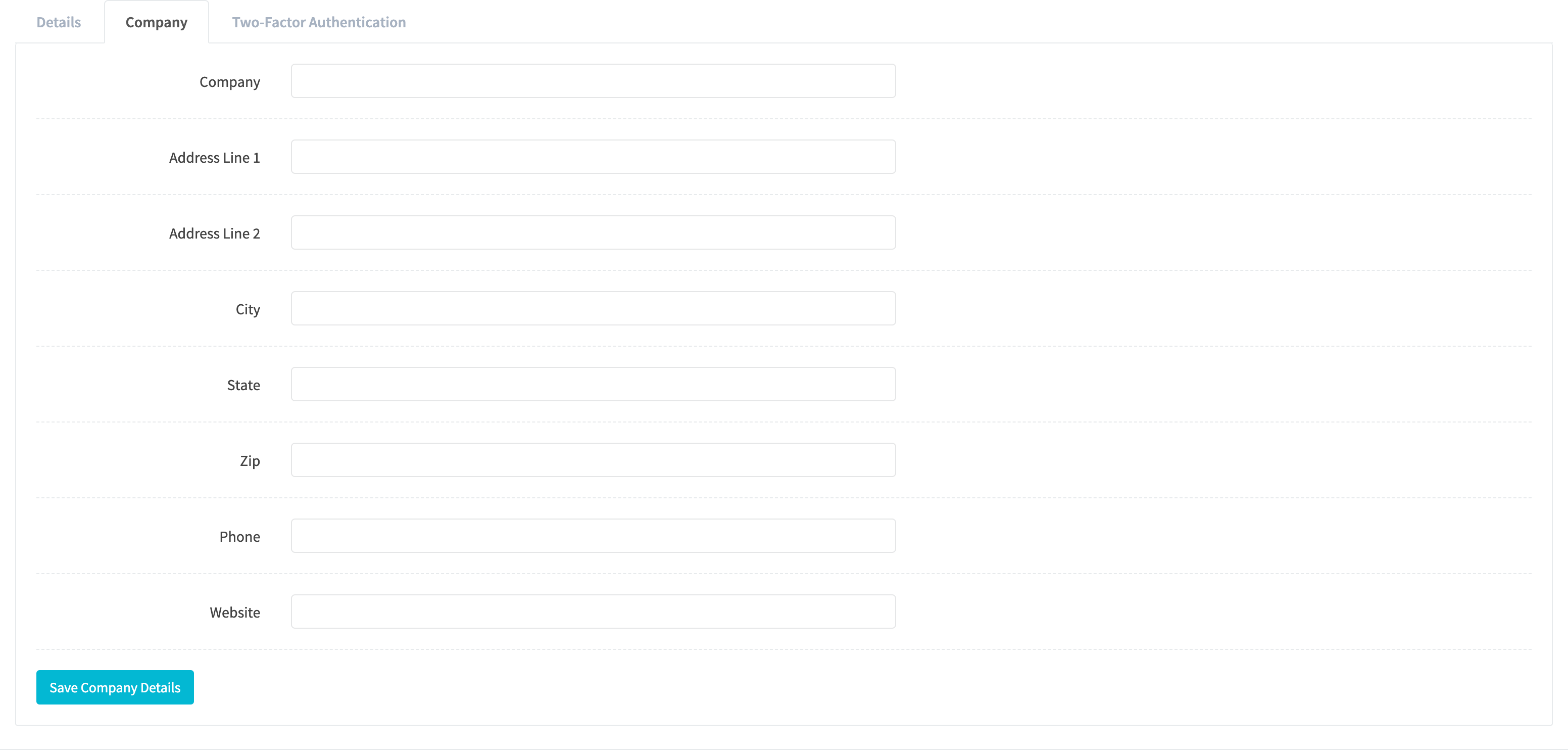
Open Company to update your business name, address, phone, and website. Click Save company details to apply changes.
Two-Factor Authentication
Open Security to view the authenticator app status and two-factor authentication controls.
