Product Group
Overview of product groups within RevCent
Product groups organize related products for catalog management, filtering, and reporting.
Product Groups And RevCent Sites
A Product Group can be used as the catalog source for a RevCent Site.
When Products in the group should appear in a Site catalog, each individual Product can include Site catalog metadata:
- slug: A URL-friendly Product slug, such as
organic-coffee-beans. - site_categories: A JSON string array of slash-delimited Site category paths, such as
["coffee/beans","subscriptions"].
This metadata belongs on each Product, not on the Product Group itself. Product Groups decide which Products belong in the catalog; Product metadata can help the Site decide how those Products should be presented.
View Product Groups
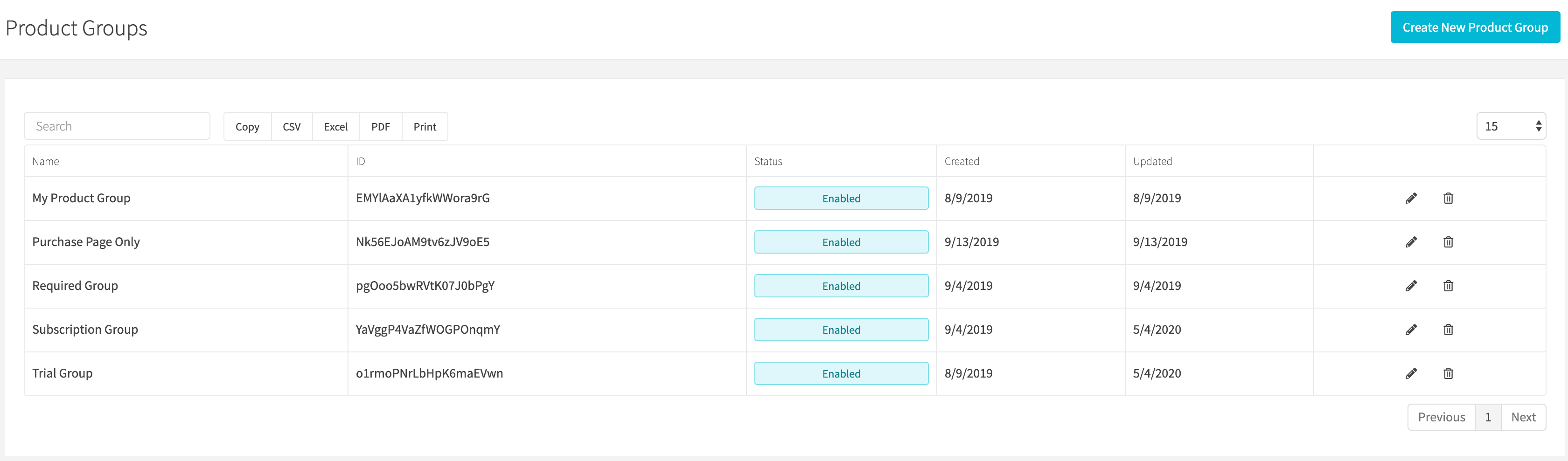
View all product groups by clicking Products > Product Groups in the sidebar or go to https://revcent.com/user/product-groups
Create Or Edit A Product Group
Create a new product group by clicking New group when viewing all product groups or go to https://revcent.com/user/new-product-group.
Edit an existing product group by clicking its pencil icon in the Actions column.
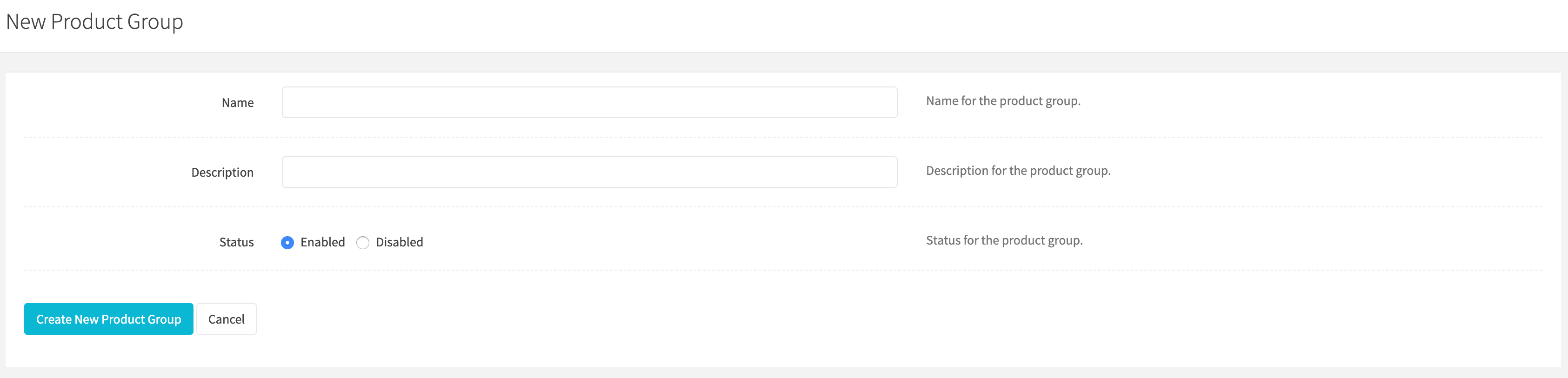
On the creation form, enter the Group details below, then click Create group to save.
Name
Enter a name for the product group. Required.
Description
Enter a description for the product group.
Status
Use the Enabled switch to set the status of the product group. It is on by default for a new group.