Campaign
Overview and details on campaigns within RevCent
The campaign is a central part of RevCent. Every sale and associated entity is created with the campaign attribute. This allows advanced filtering and segmentation when viewing reports, sales, etc.
View Campaigns
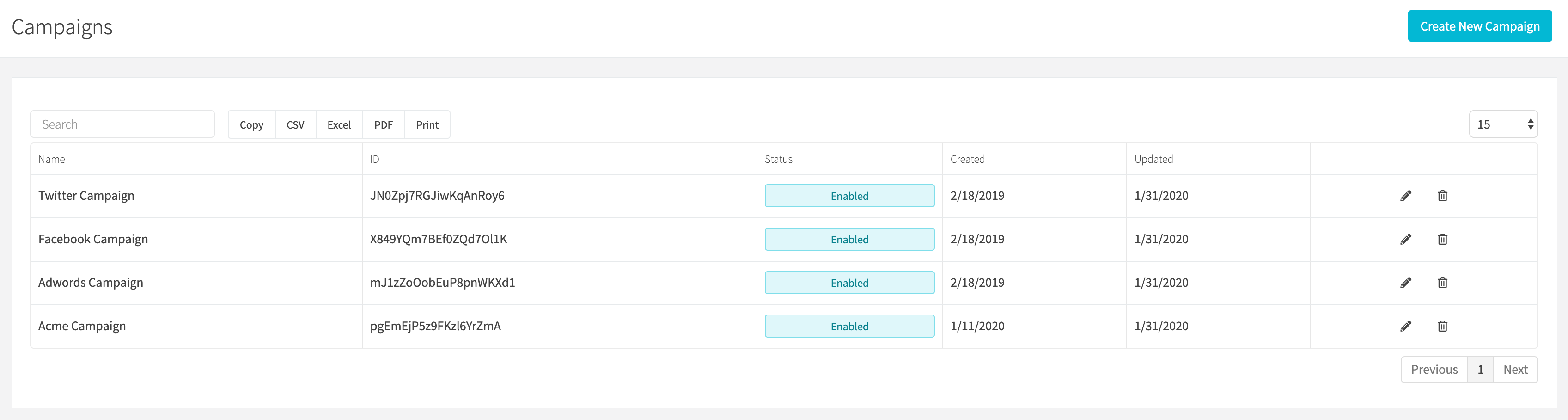
View all campaigns by clicking the All Campaigns link on the sidebar or going to https://revcent.com/user/campaigns
Create Or Edit A Campaign
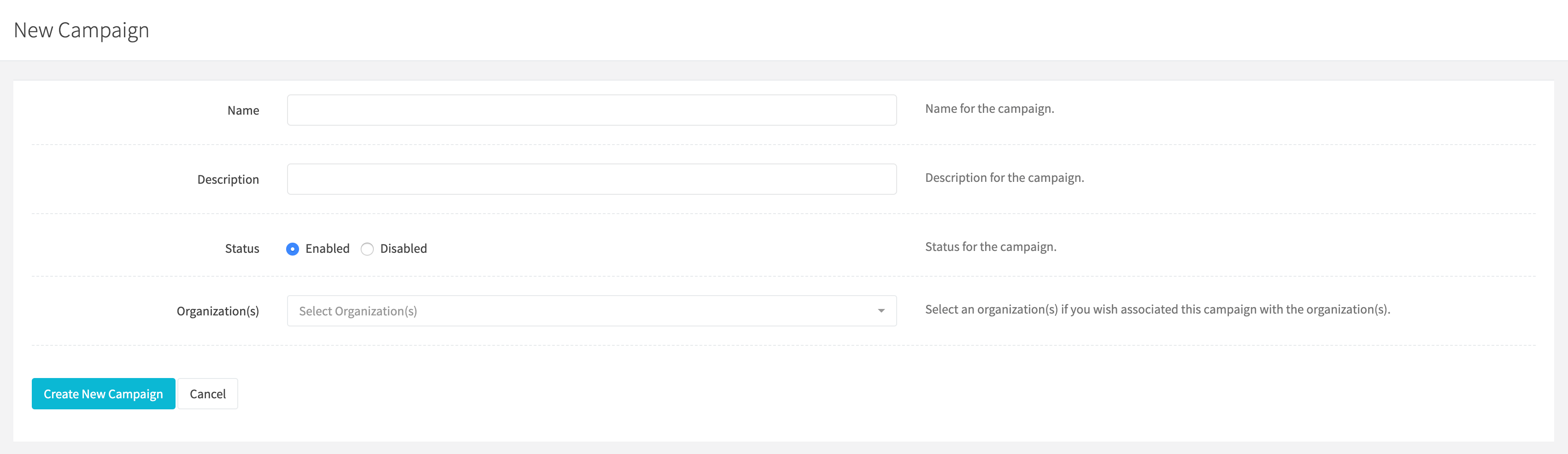
Create a new campaign by clicking Campaigns > Create Campaign in the sidebar, New campaign when viewing all campaigns, or go to https://revcent.com/user/new-campaign.
Edit an existing campaign by clicking the edit button when viewing all campaigns.
Name
Enter a name for the campaign. Required.
Description
Enter a description for the campaign.
Status
Set the status of the campaign.
Organization
Under Organization access, select the organizations to associate with the campaign. Optional.